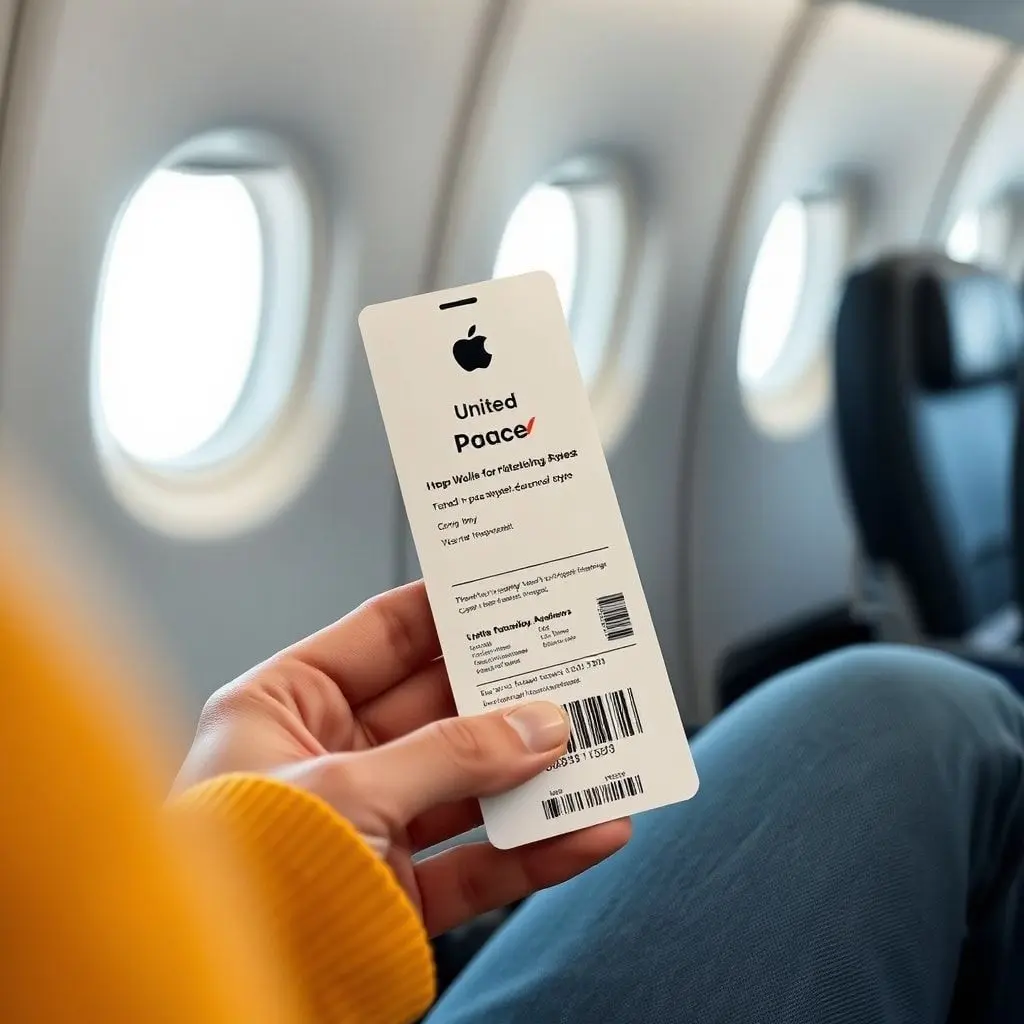
United Airlines has become the first carrier to support Apple Wallet’s enhanced boarding passes in iOS 26, marking a major milestone in digital travel convenience.
United Airlines Leads the Way in Apple’s Boarding Pass Upgrade
Apple first previewed its upgraded Wallet boarding pass experience during WWDC in June, showcasing a range of new travel-focused features designed to streamline air travel.
The new boarding pass experience includes:
- Live Activities for real-time flight tracking directly from the Lock Screen
- Interactive airport terminal maps to help travelers navigate terminals more easily
- Find My integration for tracking luggage alongside your boarding details
With these features, travelers can monitor flight progress, gate changes, and baggage updates — all from one place.
How It Works
According to early testers, travelers must manually enable Live Activities for flights within the Apple Wallet app — the feature does not activate automatically.
When a traveler shares flight status with family or friends, shared Live Activities will appear on their devices as well. However, for privacy reasons, boarding group and seat details are hidden from shared views.
United Airlines Is the First — But Not the Last
United’s adoption marks the beginning of a wider rollout. Apple has confirmed that several major airlines are preparing to adopt enhanced Wallet boarding passes, including:
- Air Canada
- American Airlines
- Delta Air Lines
- JetBlue
- Southwest Airlines
- Lufthansa
- Qantas
- Virgin Australia
This broader rollout suggests a significant step toward standardizing digital boarding experiences across global carriers, reducing the need for paper passes and separate airline apps.
A Step Toward Smarter Travel
By merging Apple Wallet, Find My, and Live Activities, iOS 26 positions Apple’s ecosystem as a central hub for travelers — keeping tickets, flight status, luggage, and maps all within one interface.
United’s early adoption signals how airlines are evolving to meet traveler expectations for real-time, mobile-first flight management. As more carriers join, the days of juggling multiple travel apps may soon come to an end.
✈️ Pro Tip: Update to iOS 26 and check your Wallet settings before your next flight. Make sure Live Activities are enabled so you can track your United flight right from your Lock Screen.